You should not have to invent how to talk to it. Here is a pack of prompts that work on day one, an honest map of what your AI can and cannot reach, and how the scheduling actually splits.
Connect once
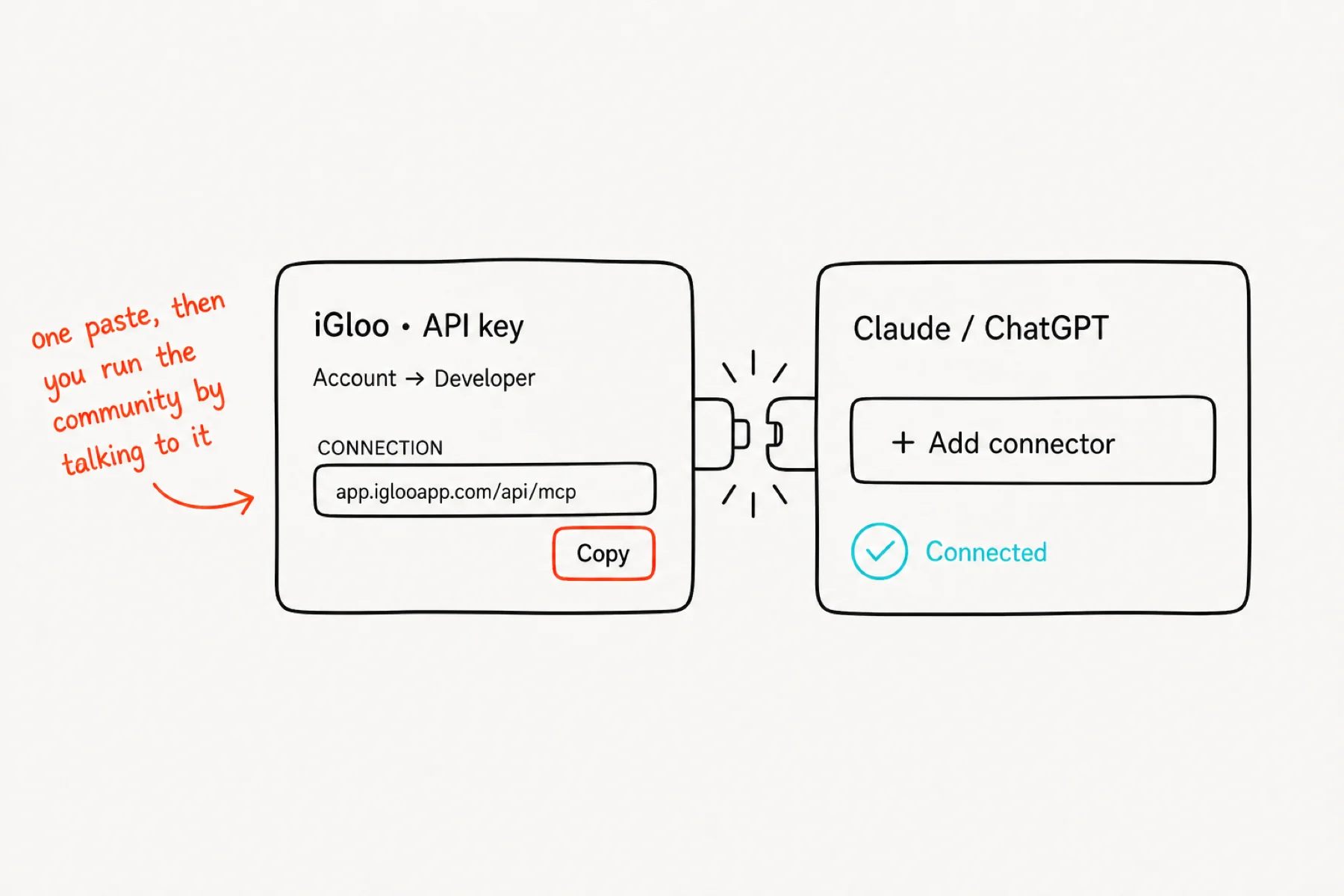
Account → Developer, copy your connection, and add it to Claude, ChatGPT, Gemini or Grok as a connector. That is the whole setup, and it is covered step by step in Connect your AI to iGloo.
From then on you run the community by talking to it — from your phone, from a chat window, wherever you already work.
Start with these prompts
You do not need to invent a way of talking to it. Paste any of these as they are, on day one:
Build the thing you keep meaning to build
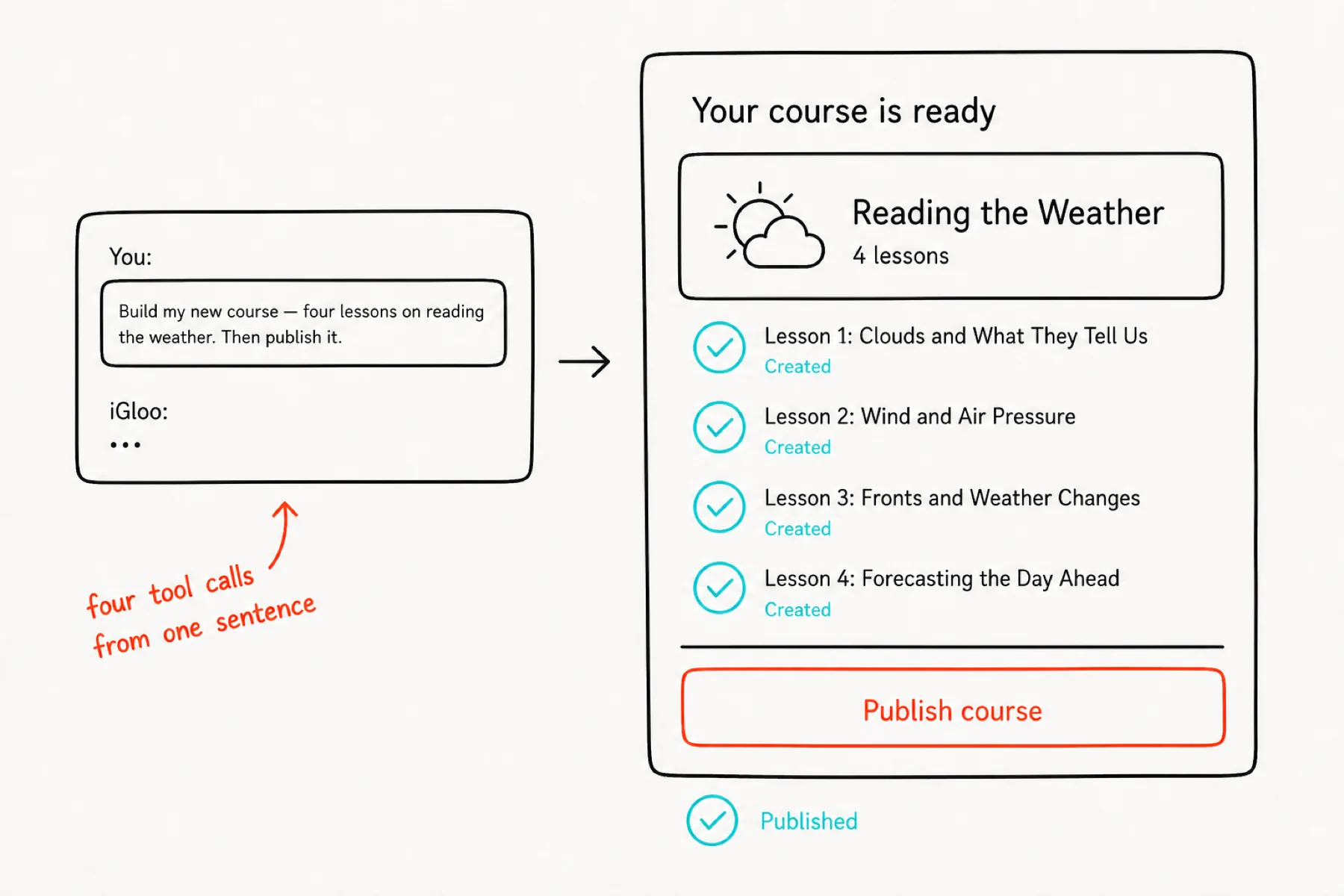
Build my new course “Reading the weather before it arrives” — four lessons, then publish it.
Add a fifth lesson to that course about storm signs, and put it last.
Drip that course so a new lesson opens every seven days.
Keep the room alive
Draft this week's discussion posts — three of them, each one a question my members can answer from experience.
Write a welcome post introducing this week's theme, friendly and short.
Create our weekly live call — Thursday 7pm, sixty minutes, repeating.
Set it up properly, once
Set my onboarding questions — ask new members what they are working on and what they want help with.
Rename my labels so “members” reads “crew” everywhere.
Set a reward on level 3 that enrols them in the Foundations course.
Ask it what is going on
How is my community doing this week?
Show me what my Foundations course looks like right now — modules and lessons.
Invite these five people and tell me which invites you sent.
Each one is a single sentence that turns into several tool calls, and your AI reports back what it did.
Know where the edges are
Your AI can create and publish courses, modules and lessons, set drip, write posts, create events, send invites, configure onboarding questions, rename your labels, set level rewards, and read back community stats.
It can also read the room and answer it: recent posts, whole comment threads, which comments are still waiting on you, and your own chat threads — then reply as you.
Where the line sits: chat tools reach your own inbox only. There is no way to read a conversation you are not in, and reading never marks a thread read. Your members' private messages to each other stay theirs.
Install the iGloo skill (optional, but it sharpens everything)
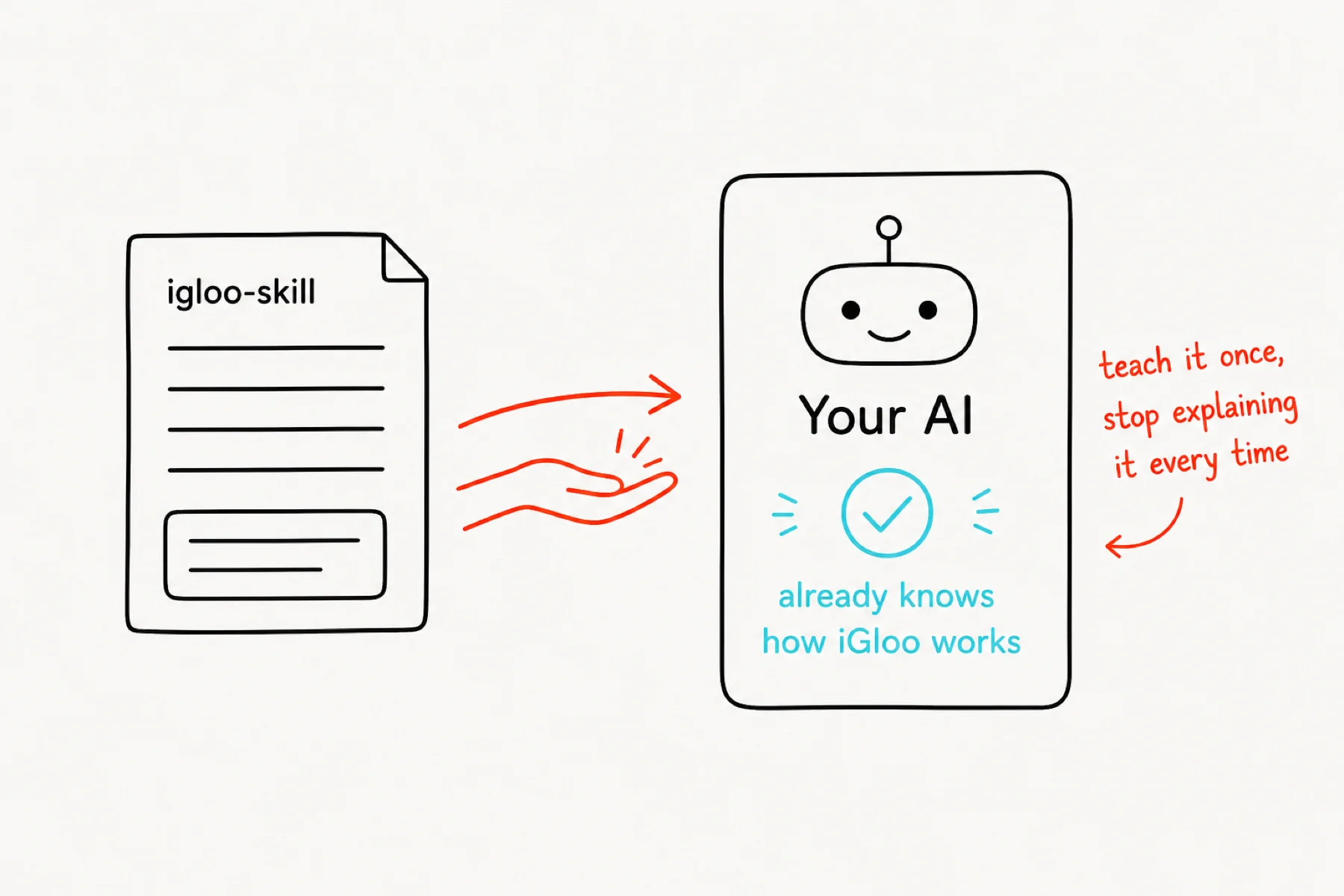
A skill is a small file that teaches your AI how your product works, so you stop having to explain it. Ours lists every tool, the right order to build a course in, and the house rules — publish rather than leave drafts, and say what it is about to send before it sends anything as you.
Download igloo-skill.zip, unzip it, and add it to your AI's skills folder. From then on, “build me a course on X” produces a finished, published course instead of a conversation about it.
It is optional. The prompts above work without it — the skill just removes the babysitting.
Let it draft, you approve
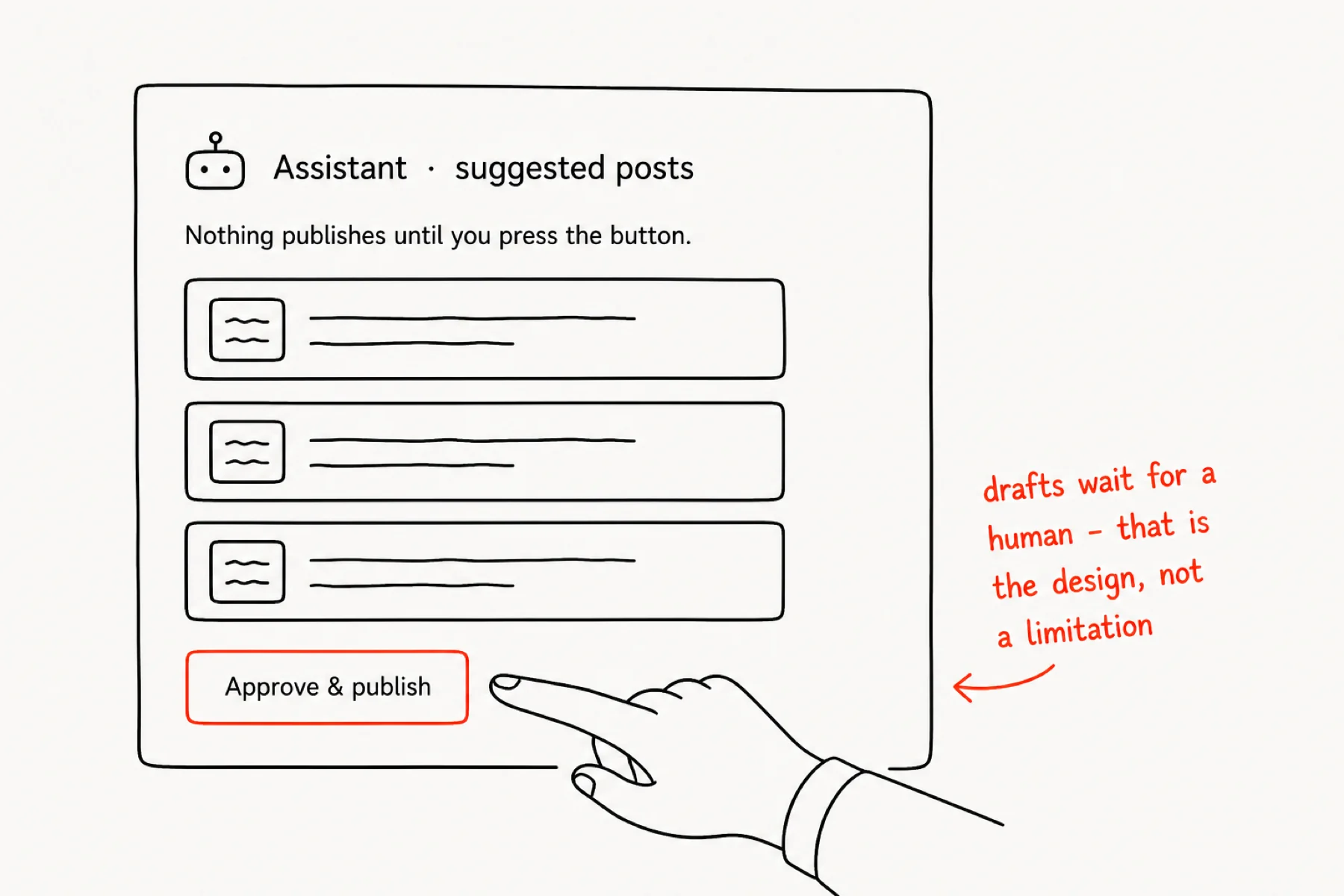
Separately from your own AI, iGloo has a built-in Assistant. Wake it and it reads the room — what is trending, what needs answers, who has gone quiet — and leaves suggested posts as drafts.
Nothing it writes publishes on its own. You press Approve, or you discard it. A community where the owner never actually speaks is a community people leave, so the gate is the point.
Schedule the things that repeat
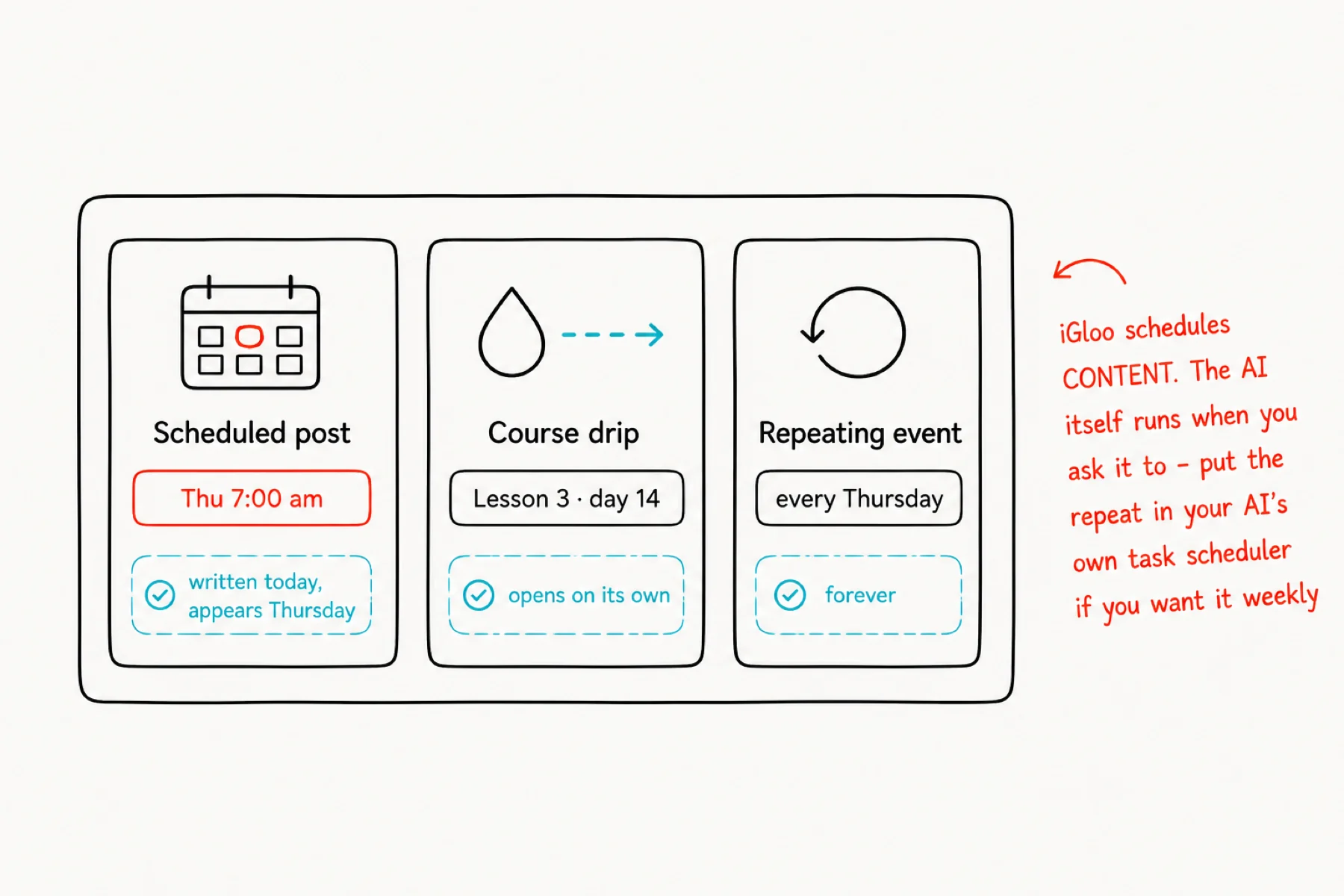
iGloo schedules content: write a post now and set it to appear Thursday morning, drip a course so lesson three opens on day fourteen, and set your weekly call to repeat forever.
The AI itself is not on a timer — it acts when you ask. If you want a standing weekly job (“draft this week's discussion posts every Monday”), put that repeat in your AI's own task scheduler and let it call iGloo when it fires.
That split is worth understanding: your community's rhythm lives in iGloo, and your working rhythm lives in your AI.
If something is not working
Your AI says it cannot find iGloo: the connector is not added, or the key was revoked. Re-add it from Account → Developer.
It says it did something you cannot see: check whether the course is published — an unpublished course exists but shows to nobody.
It refuses a request about members or chat: correct behaviour. Those tools do not exist.
It works on the wrong community: name the community in the prompt. With several, it has to guess otherwise.