The AI you already use, given hands. One connector setup links it to your community — then posting, scheduling and course-building become things you say, not things you click.
Create your API key
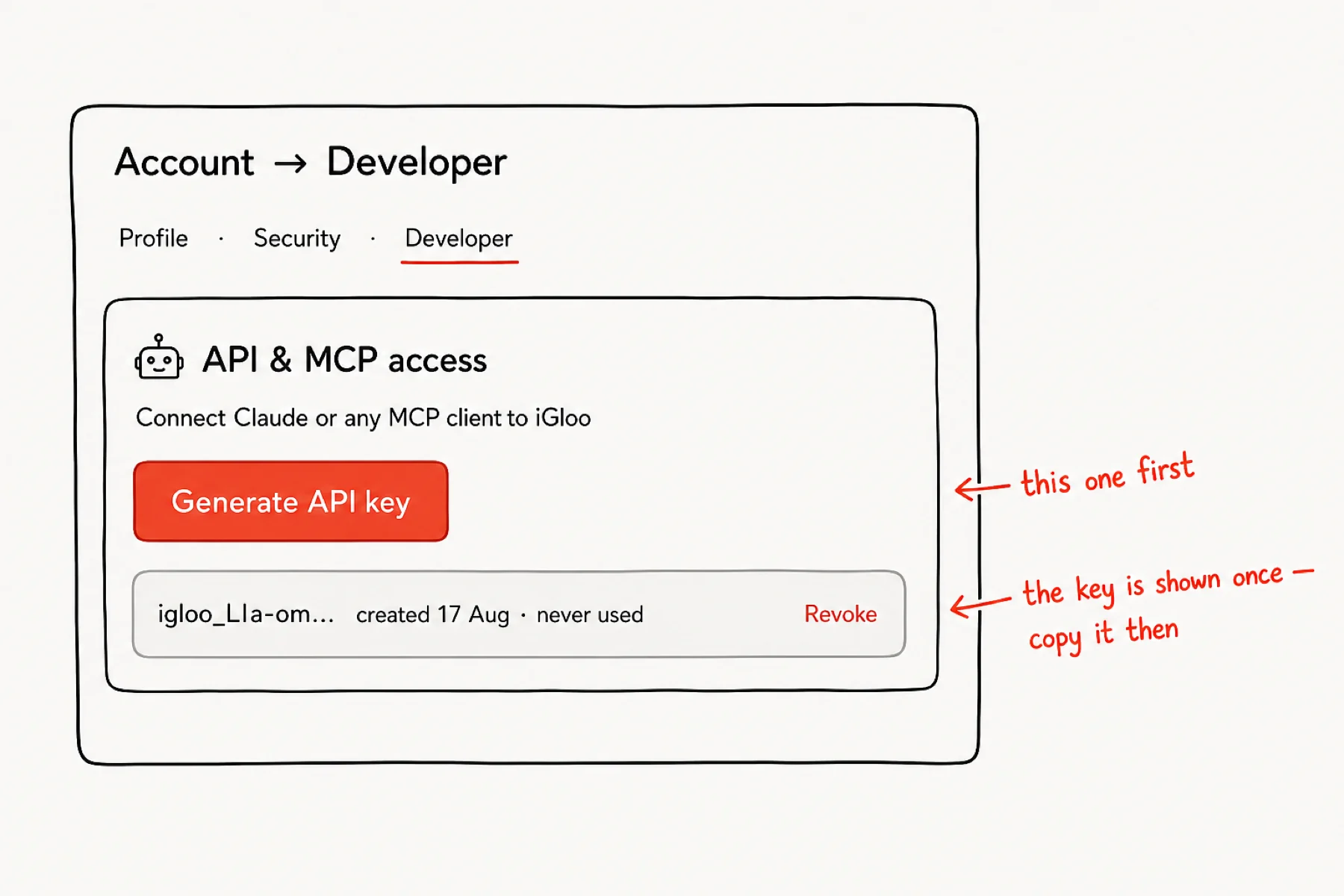
iGloo does not ship its own chatbot — it plugs into the AI you already pay for. Open Account → Developer and create an API key: that key is how your Claude or ChatGPT gets hands.
Copy the key somewhere safe when it is shown — iGloo stores only a hash, so it cannot show you again later.
Connect Claude — or any AI you use
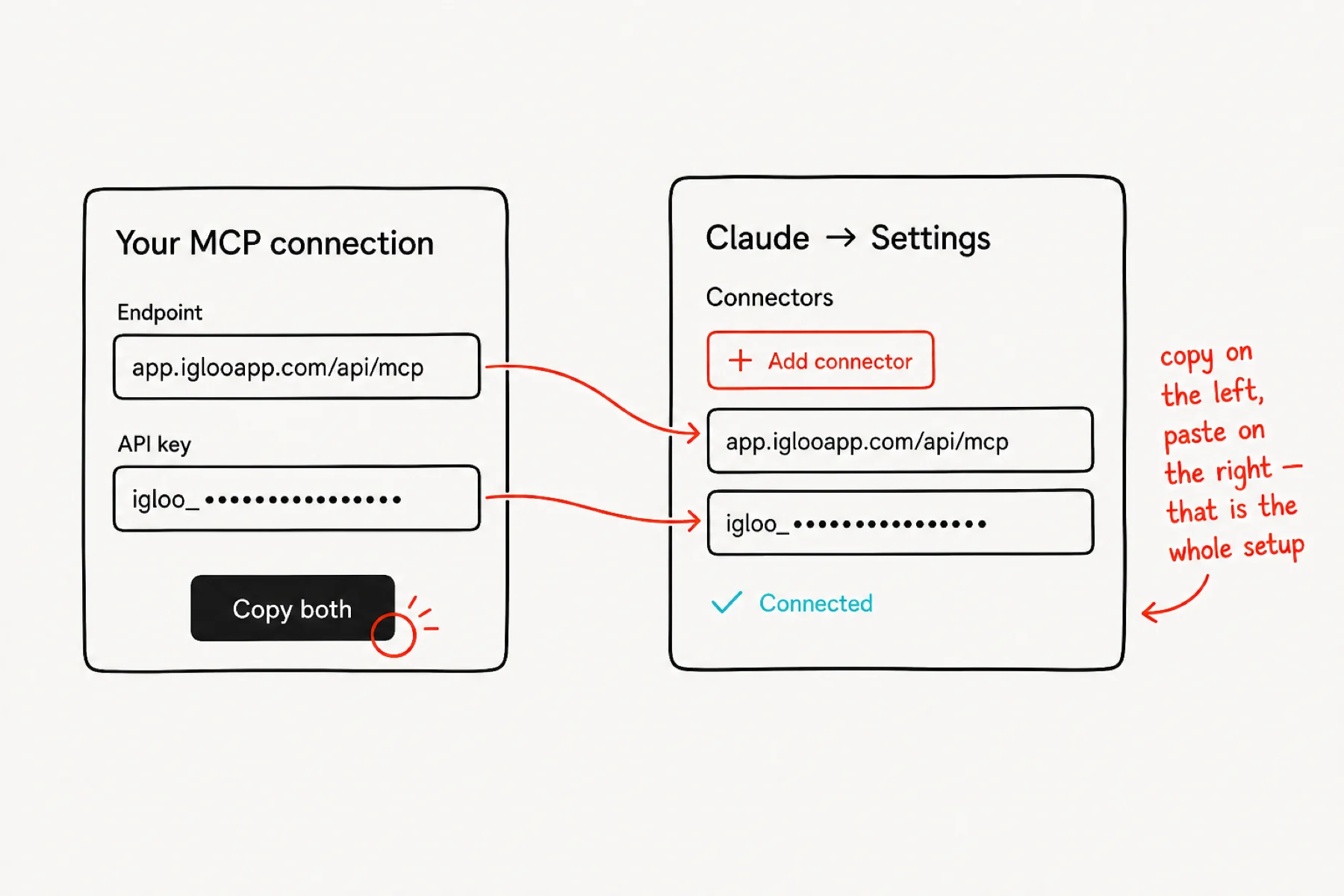
In your AI — Claude or ChatGPT — add a connector pointing at app.iglooapp.com/api/mcp with your API key. That is the Model Context Protocol: an open standard, no iGloo lock-in.
That is the entire setup. When the AI shows Connected, it can act in your community — as you, with your key, only as far as your role allows.
Say your first command
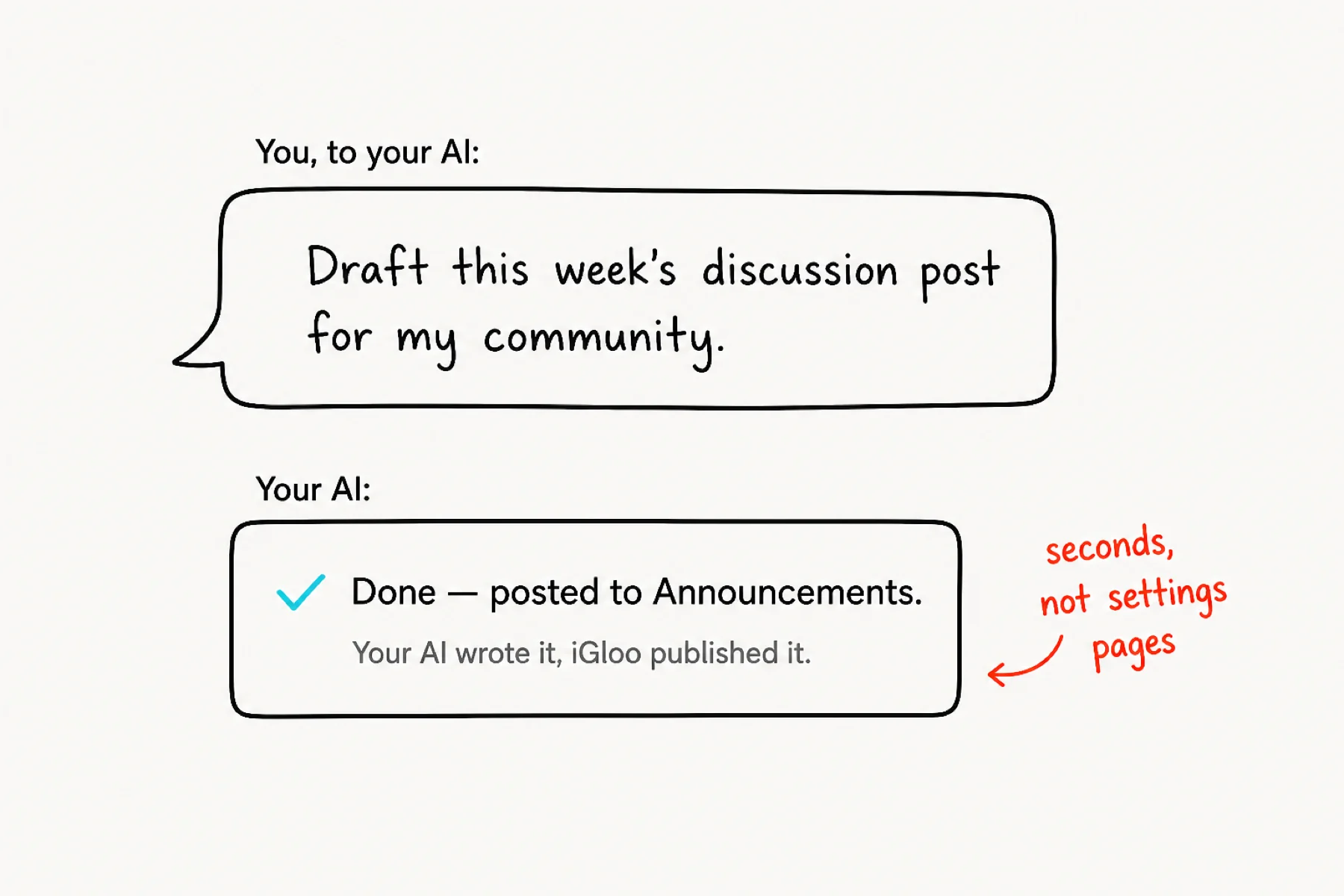
Go to your AI and just ask: “Draft this week’s discussion post for my community.” Watch it happen — the AI writes, iGloo publishes, and the post is live in your feed seconds later.
That loop — say it, see it done — is the whole point. No dashboard safari, no settings archaeology.
Give it the busywork
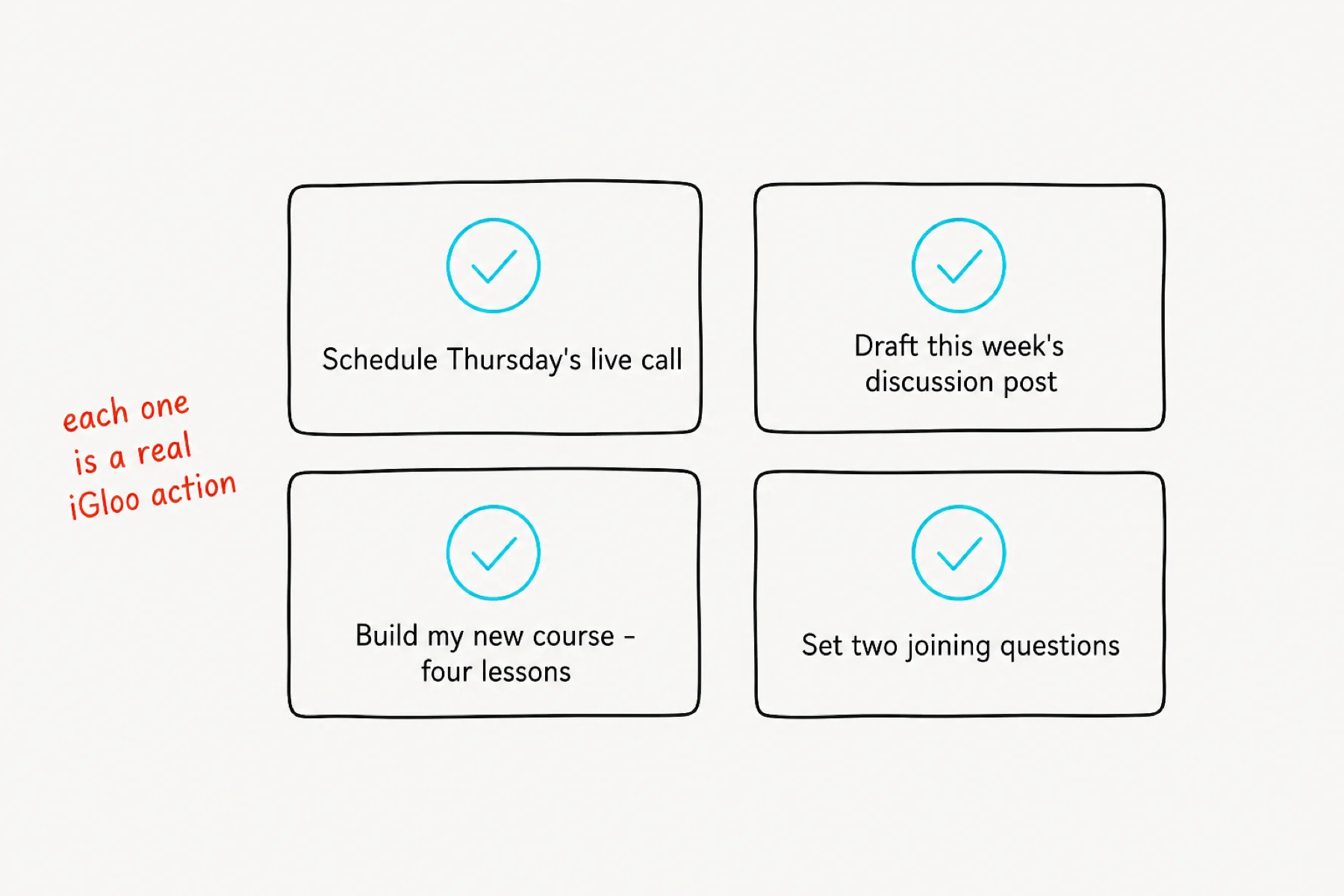
Everything routine is now a sentence: schedule the weekly call, draft the discussion post, build a whole course with modules and lessons, set joining questions, wire level rewards. Each command maps to a real iGloo action — the same ones you could do by hand, minus the hand.
Chain them: “Build my new course — four lessons — and schedule a kickoff call for Thursday.” The AI works through it step by step.
Stay in charge
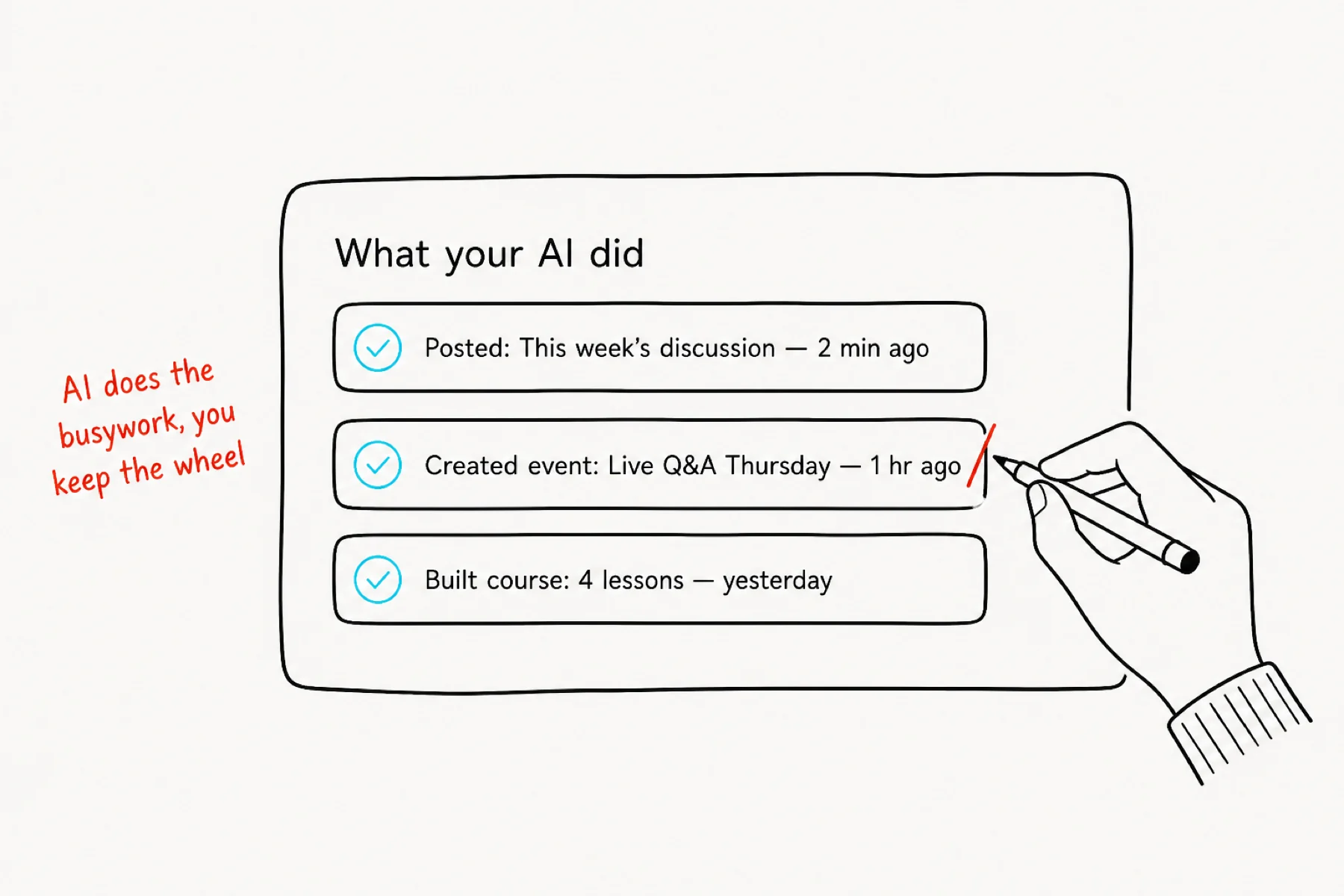
Everything the AI does is visible in your community the moment it happens — posts, events, courses, rewards. It is all normal iGloo content that belongs to you and edits like anything else.
The AI drafts and executes; you set direction and taste. If something is not right, change it or ask the AI to — either way you are one sentence from fixed. And revoking the key in Account → Developer switches it all off instantly.
If something is not working
My AI cannot see iGloo: check the connector URL is exactly app.iglooapp.com/api/mcp and re-paste the API key — a truncated paste is the usual culprit.
A command did nothing: ask the AI what happened. It will tell you what it tried and what it needs — usually a missing detail like which group or which date.
I want to undo something: everything the AI creates is normal iGloo content. Edit or delete it like anything else, or tell the AI to.