Turn what you know into a course your members can walk through — modules, lessons, drip and a buy button — using videos you already have, hosted anywhere.
Create the course
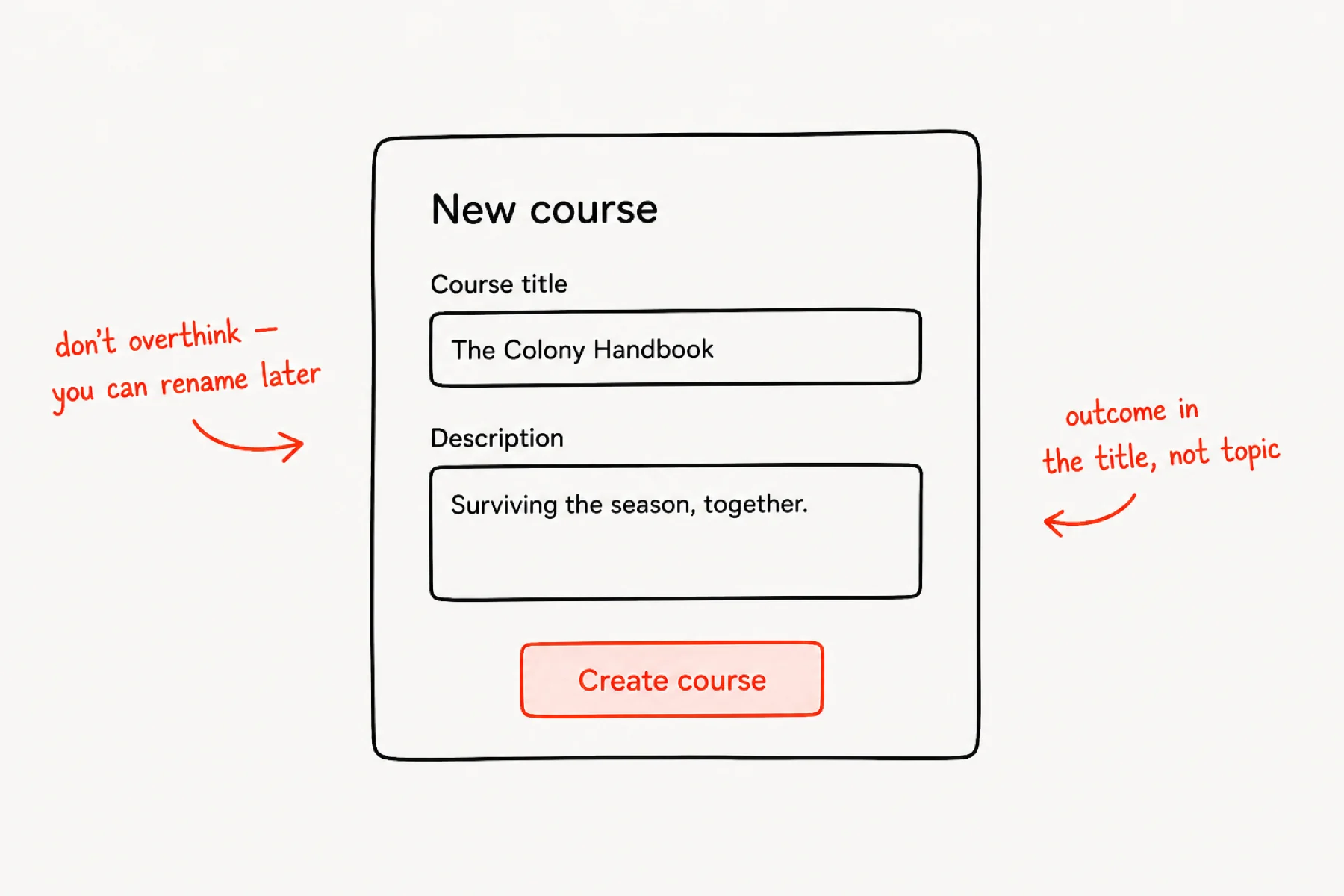
From your community, open Courses → New course. Title it after the outcome, not the topic — “The Colony Handbook” promises survival; “My videos” promises nothing.
The description is one honest sentence about where a member ends up. Publish later — you can build the whole thing as a draft first.
Add your modules
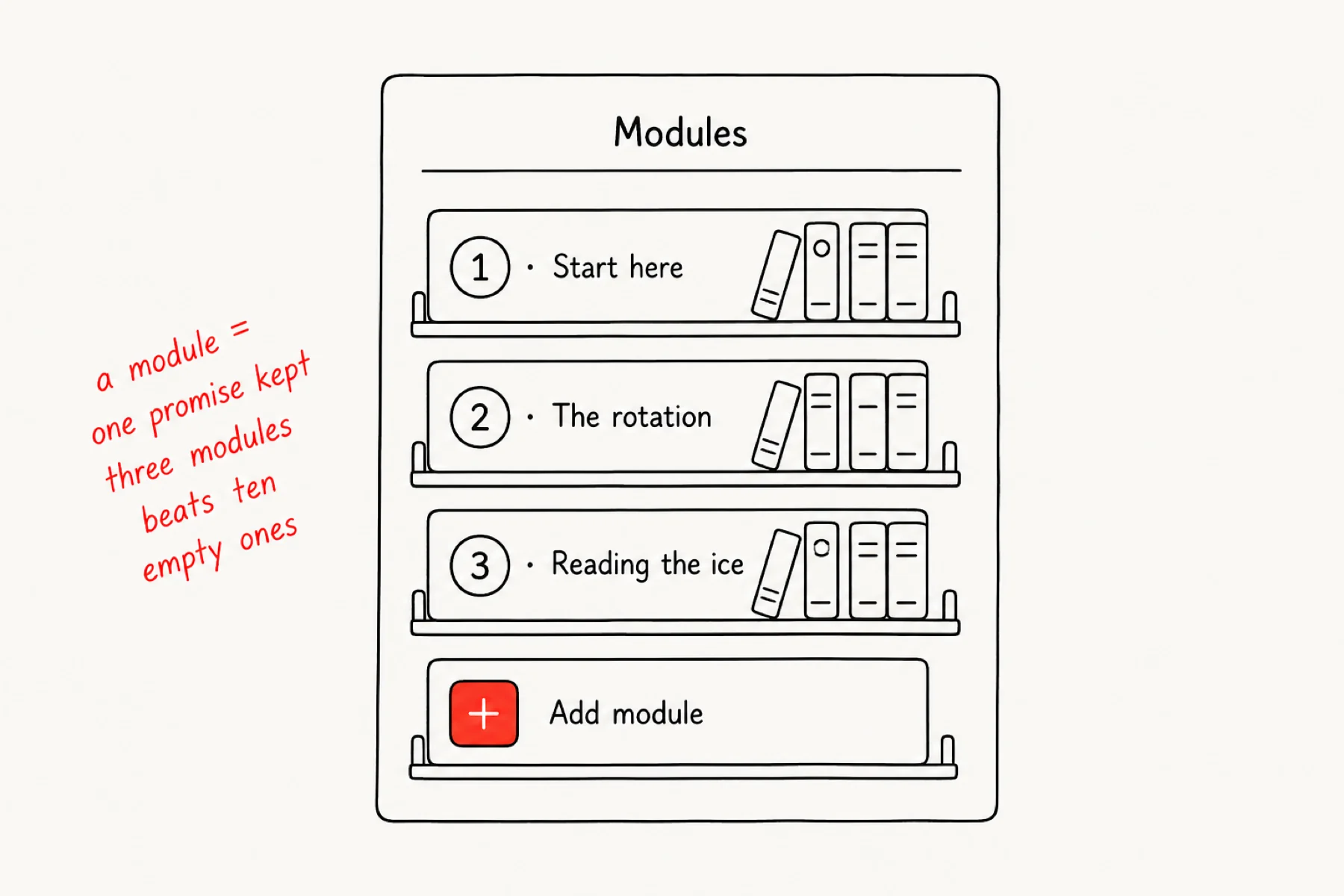
Modules are the chapters. Each one should be a promise you keep — a skill, a milestone, a finished thing. Three meaty modules beat ten empty shells you will fill “later”.
Use + Add module in the course’s Manage view and name them in the order someone should travel.
Fill in the lessons
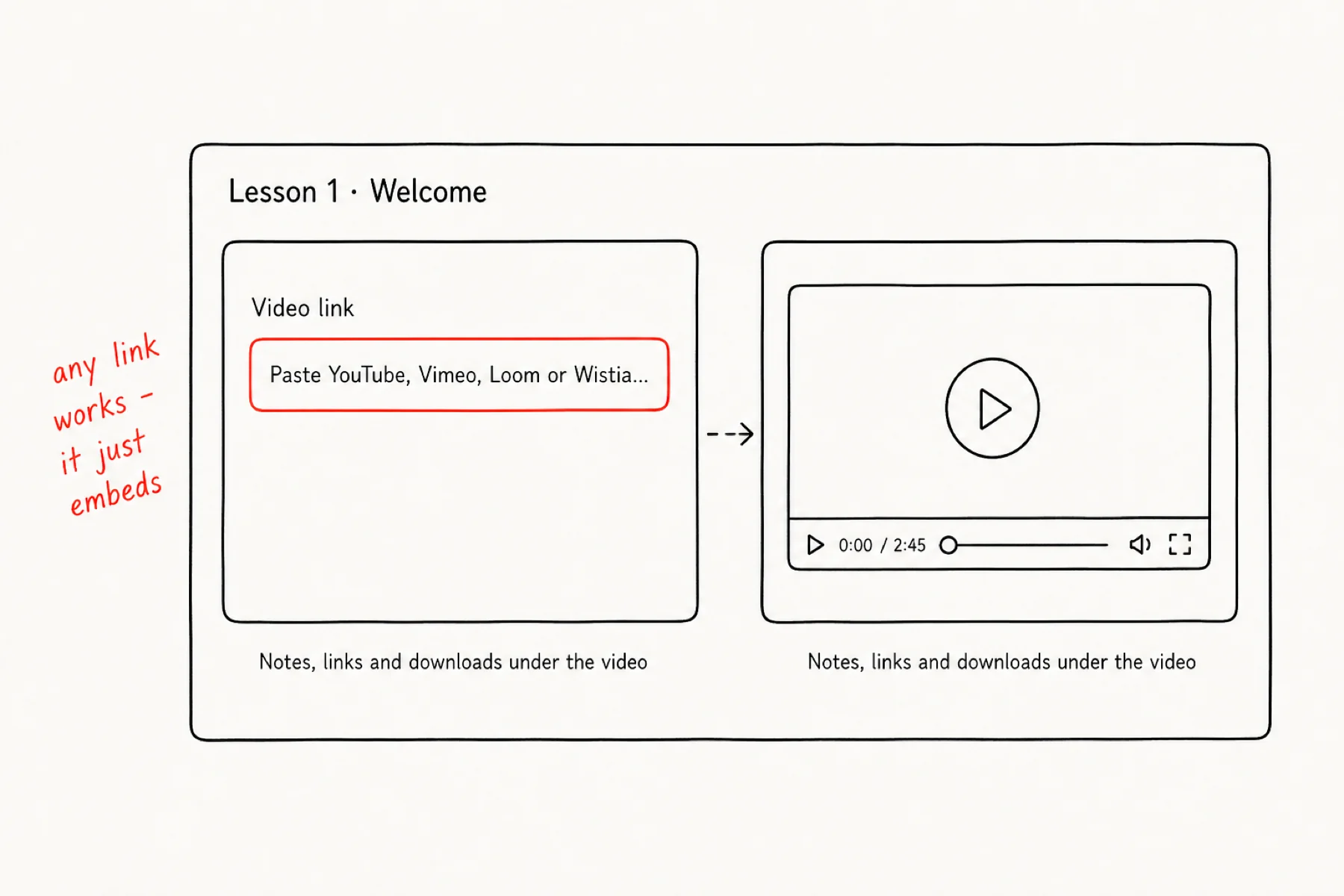
Inside a module, add a lesson: a video plus everything that goes with it. Paste any video link — YouTube, Vimeo, Loom, Wistia — and iGloo normalises it to the right embed automatically; watch-page links, share links, they all just work.
Under the video, add the notes, links and downloads for that lesson. Members mark lessons complete as they go, so keep one lesson to one idea.
Choose how content unlocks
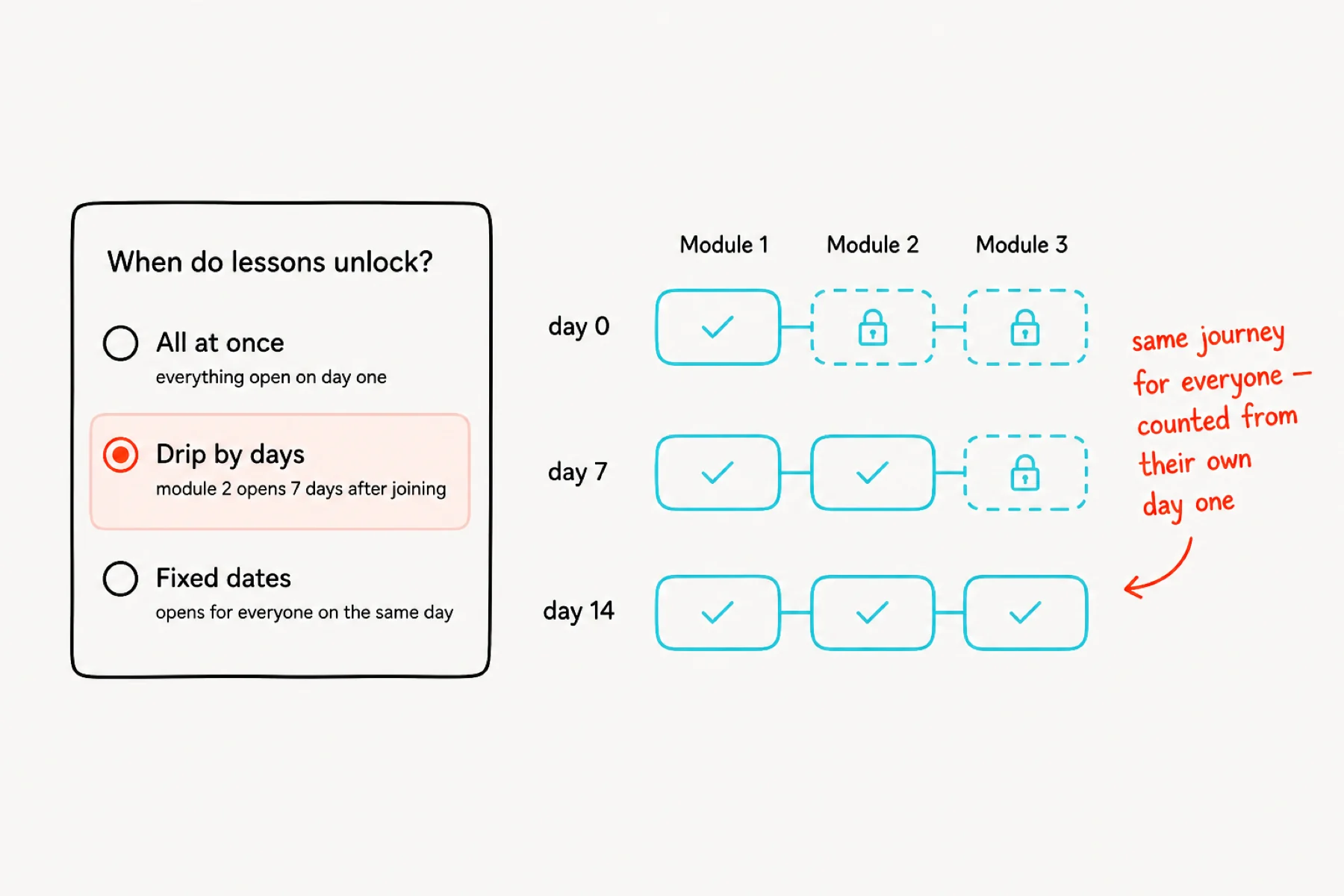
In the course settings choose a release rhythm. All at once suits reference material. Drip by days unlocks content on a schedule after each member enrols — everyone gets the same journey whenever they start.
Fixed dates runs the course as a cohort: everyone unlocks together, which concentrates discussion beautifully.
Publish it — free or paid
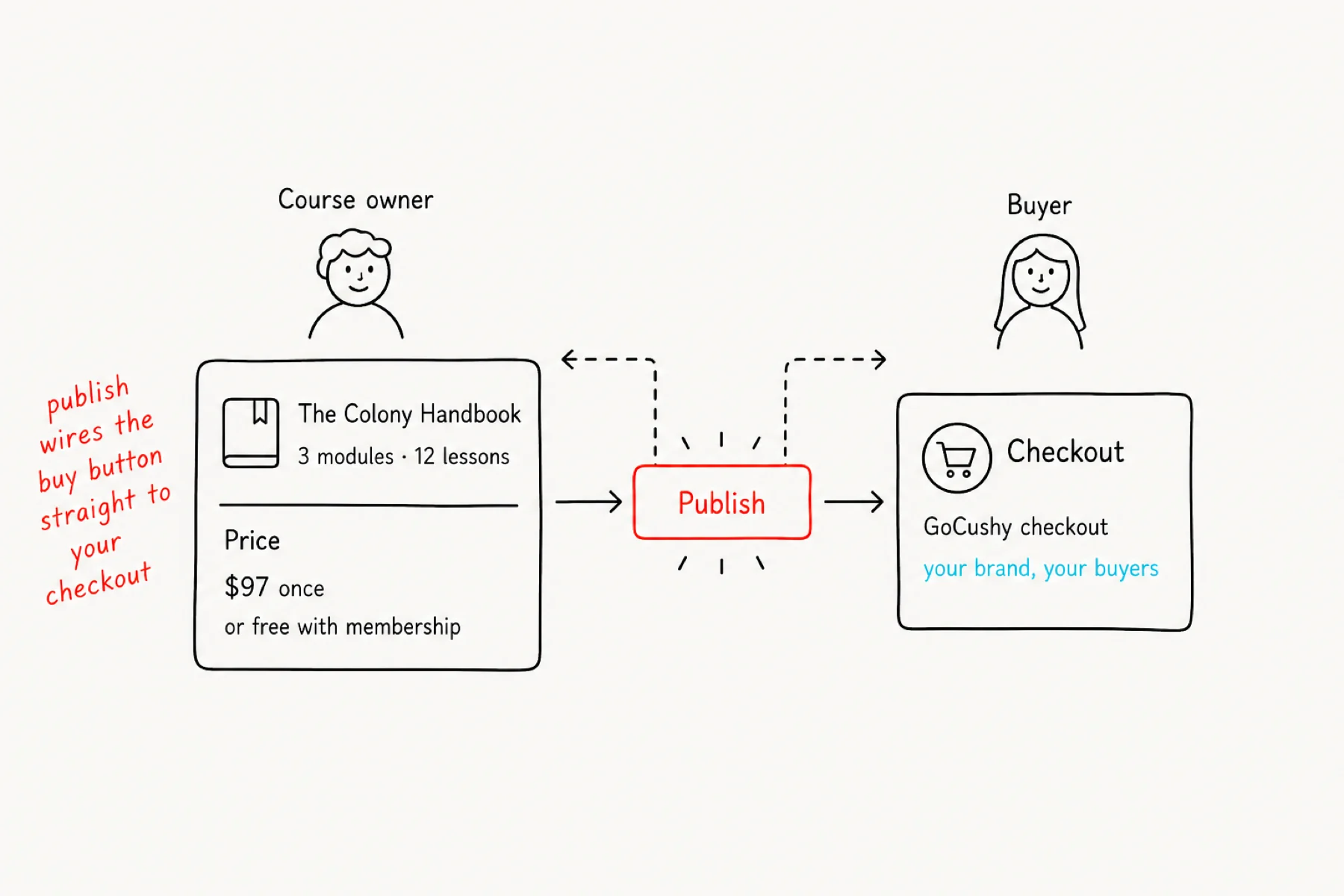
Hit Publish. Leave the product reference empty and the course is free with membership — part of your community’s value. Add your GoCushy product reference and it becomes a product: the course gets a public landing page with a real buy button, wearing your brand all the way through checkout.
Either way the course appears in your community’s Courses tab — open, or locked with a buy link — from the second you publish. Buyers get access automatically the moment they pay.
If something is not working
The video will not embed: use the video’s own share link (watch page URL), not a playlist or channel link. All the big hosts work.
Members see lessons they should not: check the drip setting on the module — “all at once” is the default until you change it.
The buy button is not showing: the course needs your GoCushy product reference (account/slug) in its settings, then republish.