Give your community a heartbeat: one recurring call, one Join button, reminders handled — and private office hours that help sell your courses.
Create the event
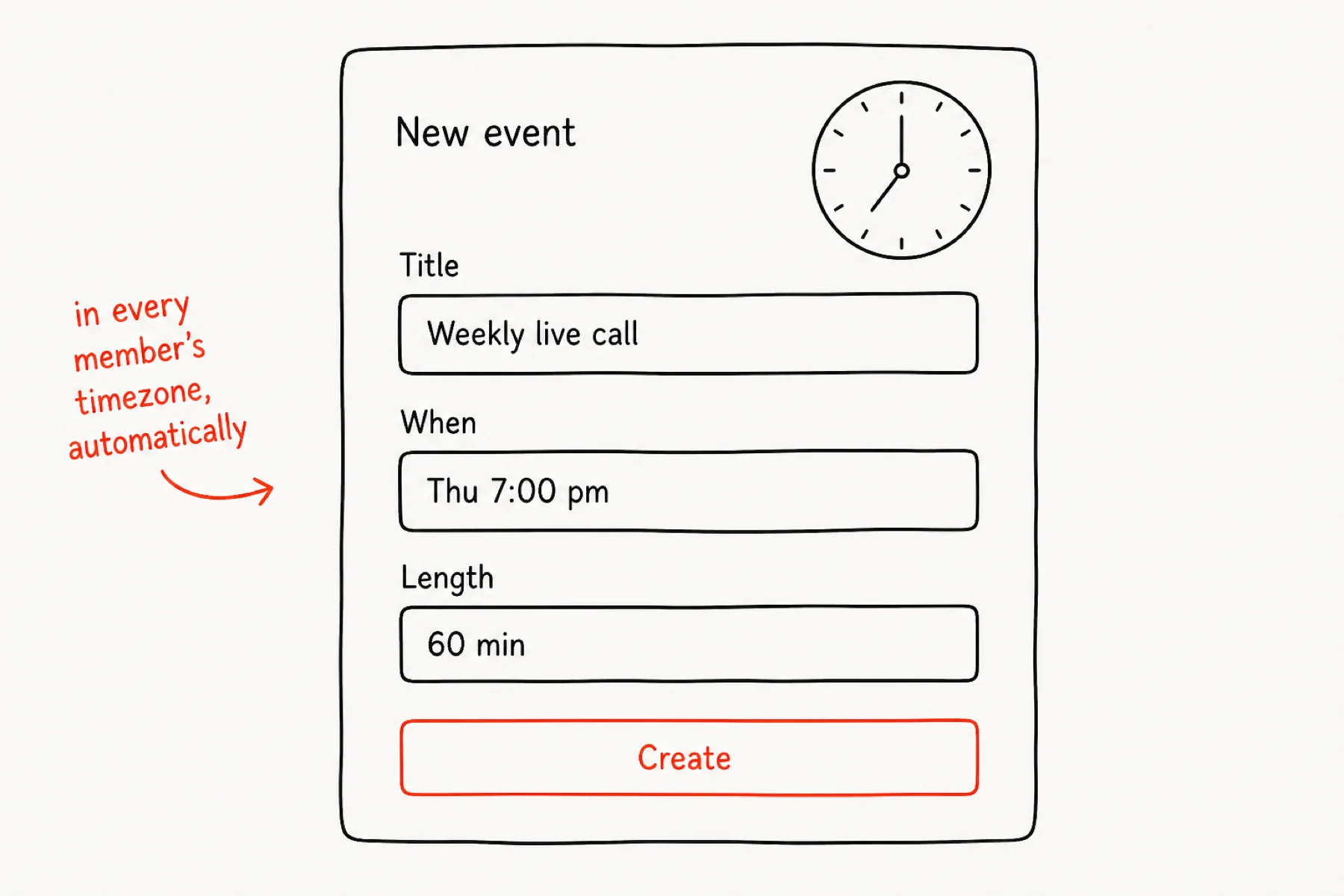
Events → New event: a title, a start time, a length. iGloo shows it to every member in their own timezone, so “Thursday 7pm” never turns into 4am confusion.
The event lands in the community calendar and on the feed the moment you save it.
Give it a room
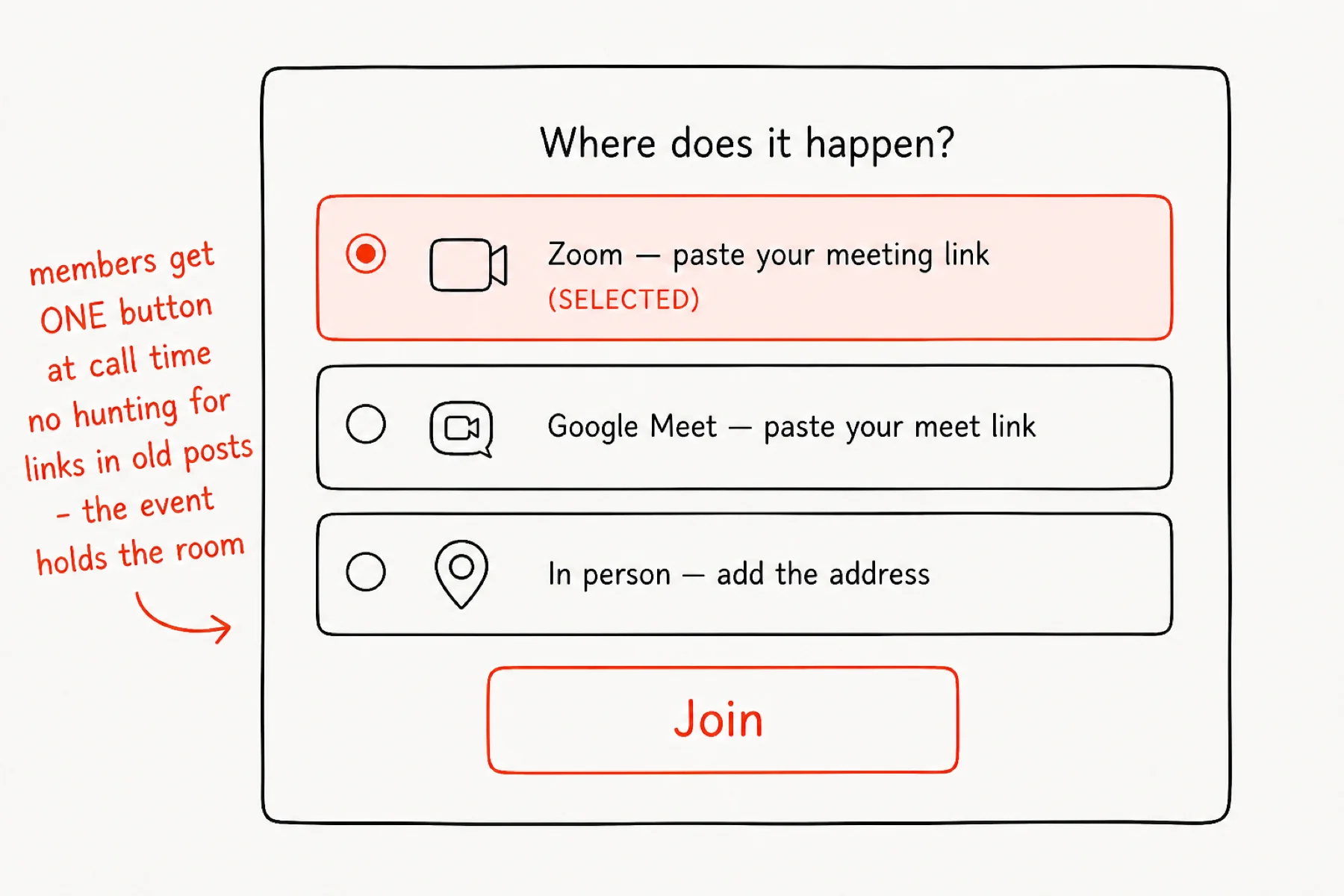
Attach where it happens: paste a Zoom or Meet link, or mark it in-person with an address. Members get a single Join button that lights up at call time.
The event holds the room — nobody scrolls old posts hunting for this week's link again.
Make it weekly
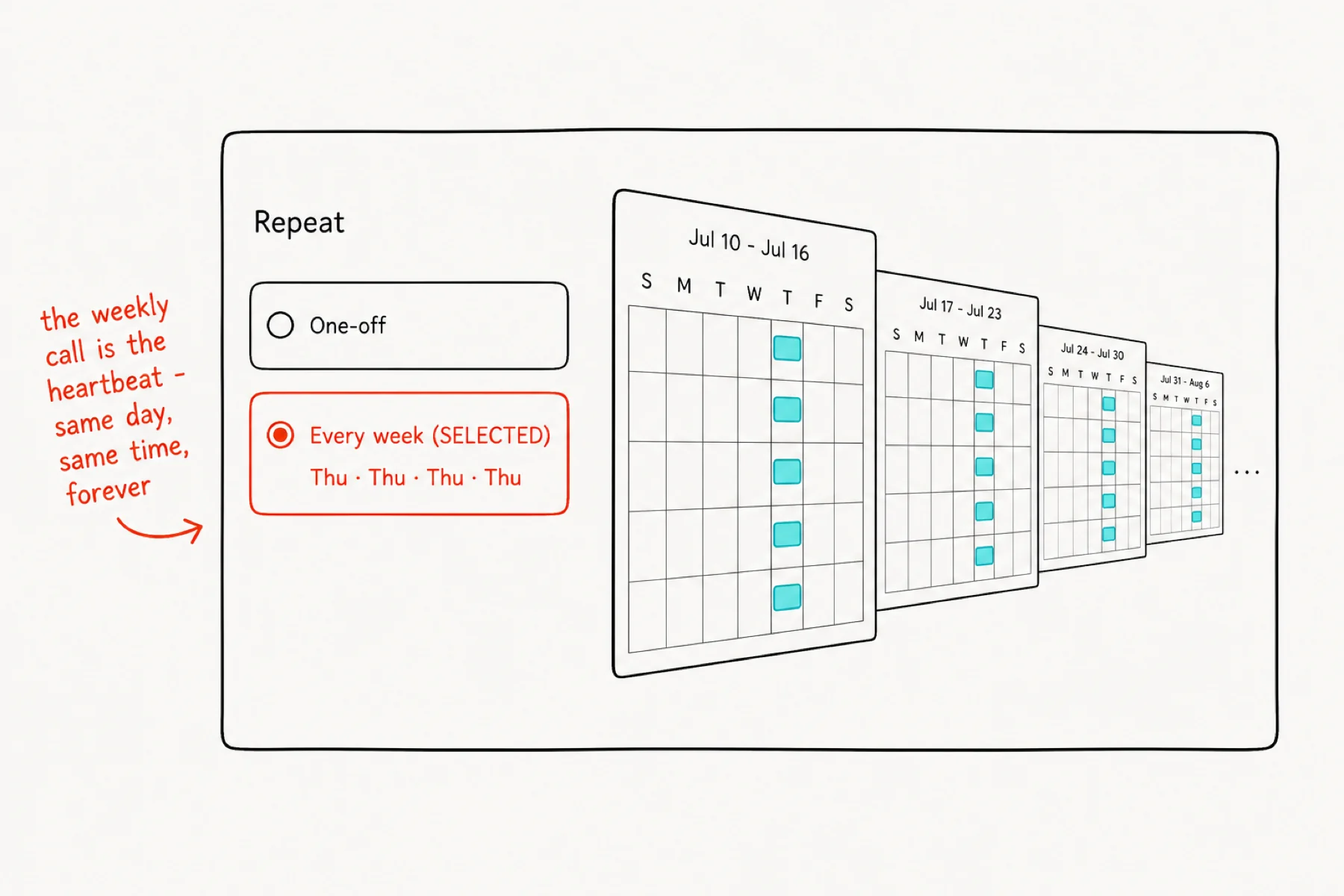
Set the event to repeat every week and you have given your community a heartbeat. Same day, same time, forever — the calendar fills itself.
Communities live and die by rhythm; a weekly call is the strongest rhythm there is.
Let RSVPs do the reminding
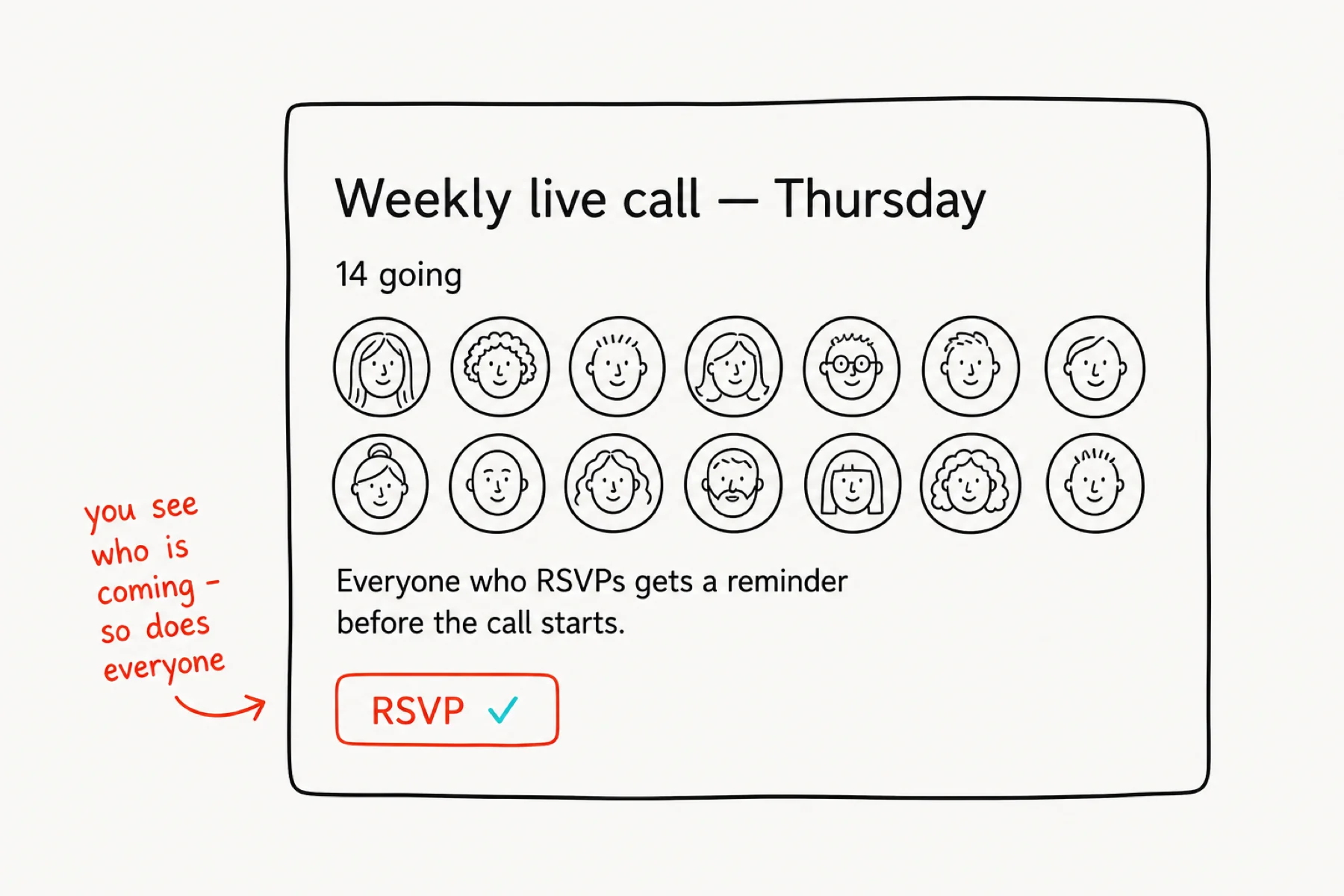
Members RSVP with one click. You see who is coming; so does everyone else, which is its own quiet advertising. RSVPs get reminded before the call starts.
Do not chase attendance by hand — visible RSVPs plus reminders outperform any announcement post.
Scope it to the right people
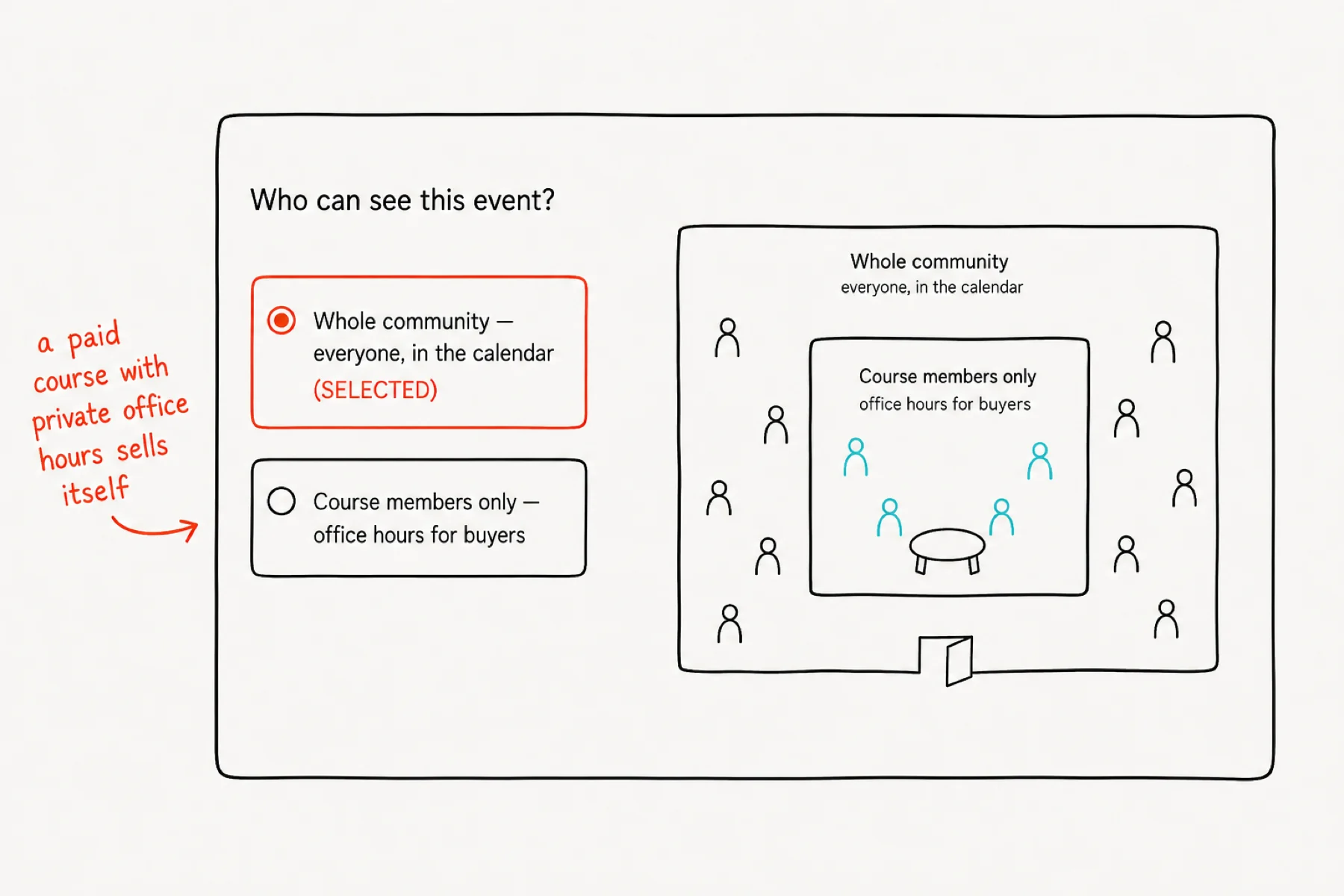
Every event has an audience: the whole community, or only members of a specific course. Course-scoped events are private office hours — invisible to everyone who has not bought in.
That is a sales lever, not just a filter: “includes weekly office hours” is often the line that sells the course.
If something is not working
The Join button is missing: the event has no room yet — paste the meeting link into the event.
Members complain about times: they are seeing their own timezone; the confusion is usually a member whose profile timezone is wrong.
The weekly call stopped repeating: check the recurrence is still set on the ORIGINAL event, not a one-off copy.