Turn the door into the business: a buyer pays on a checkout wearing your brand and walks in as a member sixty seconds later — with nothing for you to operate in between.
Decide what the door costs
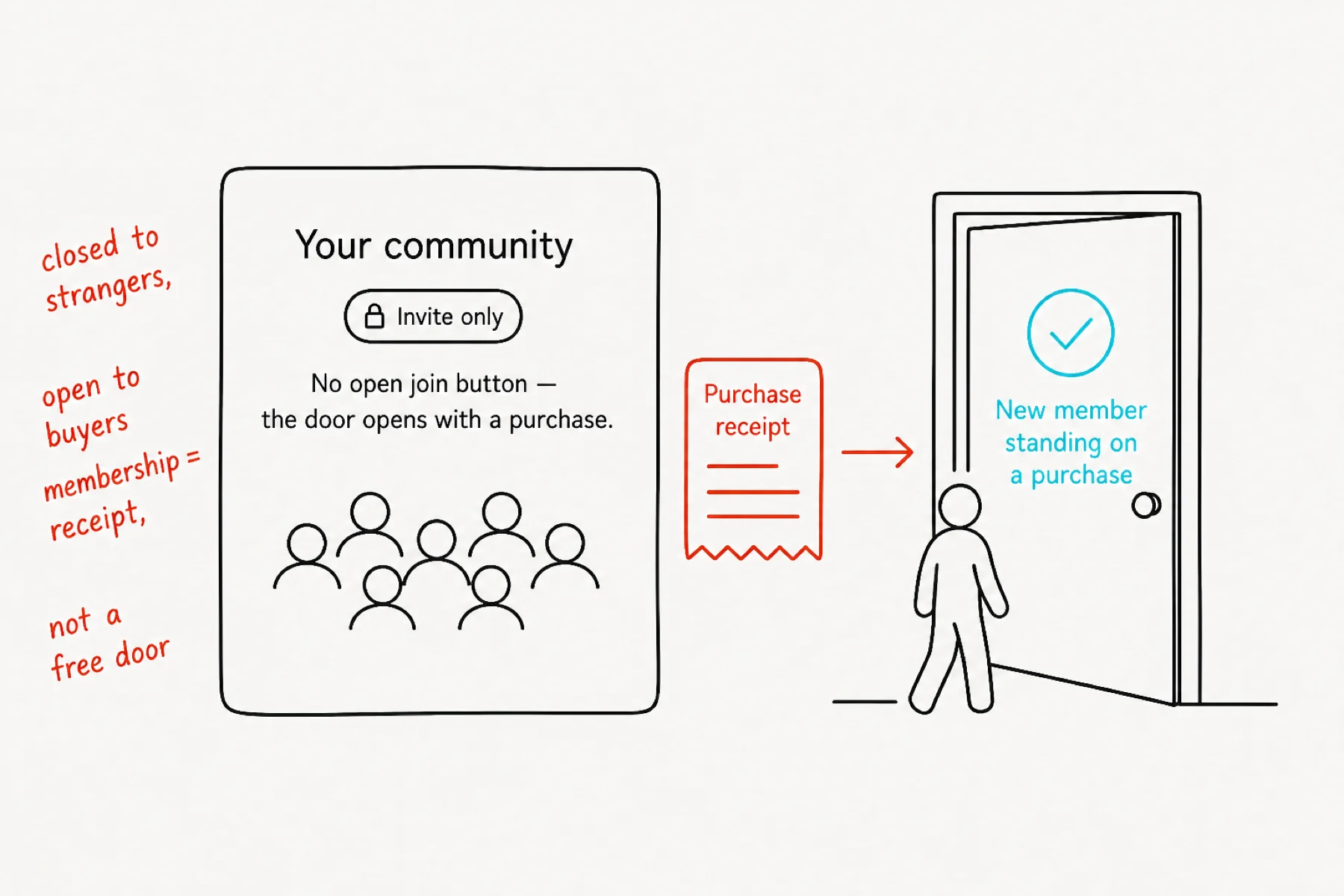
A paid community in iGloo is an invite-and-purchase door: strangers see your front page but there is no free join button — membership stands on a purchase, and lapses if the purchase does.
Flip your community private in Settings, and the door is ready to be wired to a checkout.
Create the offer in your GoCushy account
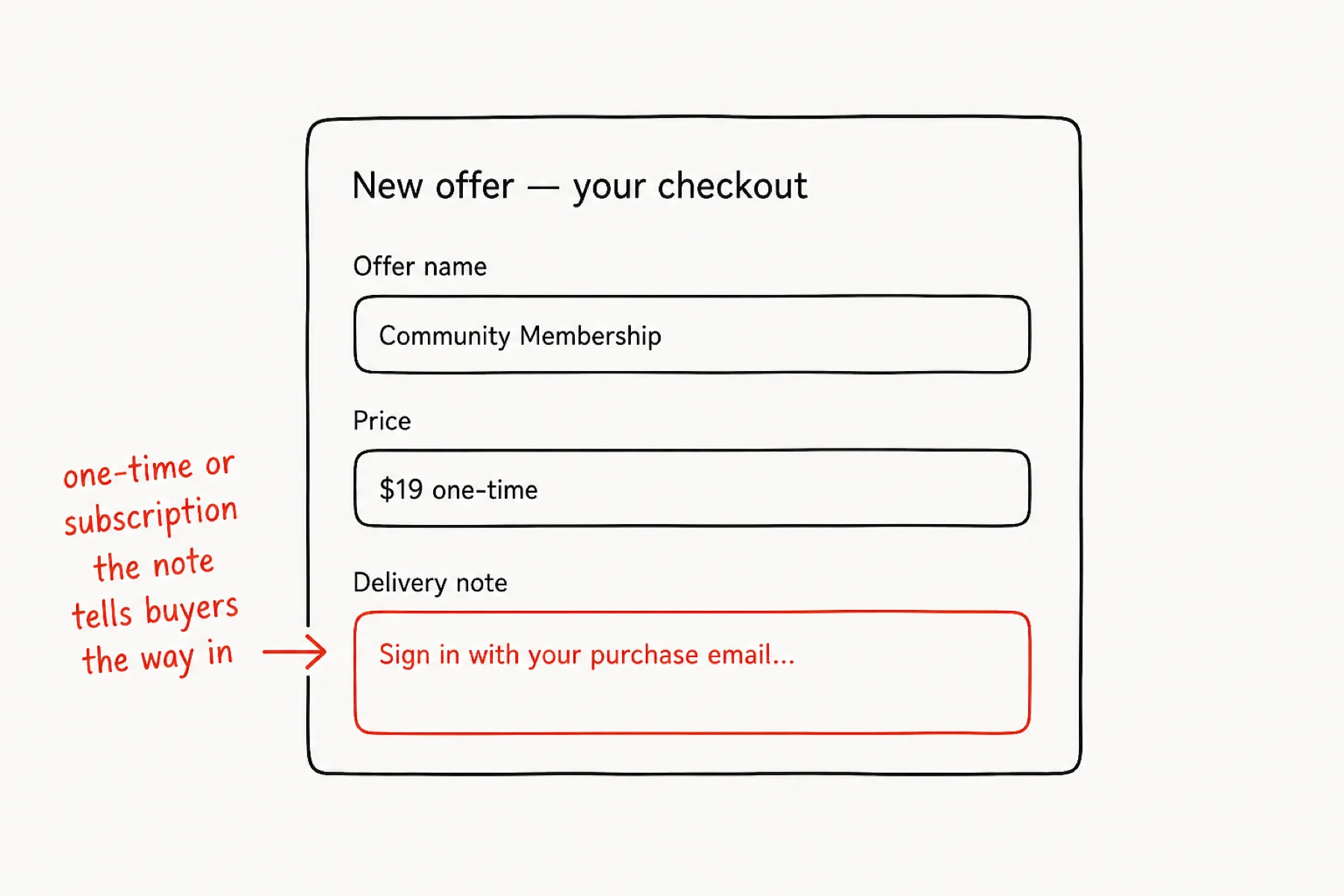
Your checkout lives in GoCushy — the payments side of the family. Create an offer: name it, price it (one-time or subscription), and write the delivery note buyers see after paying: sign in with your purchase email and you are in.
That note matters more than it looks — it is the signpost between paying and arriving.
Dress the checkout in your brand
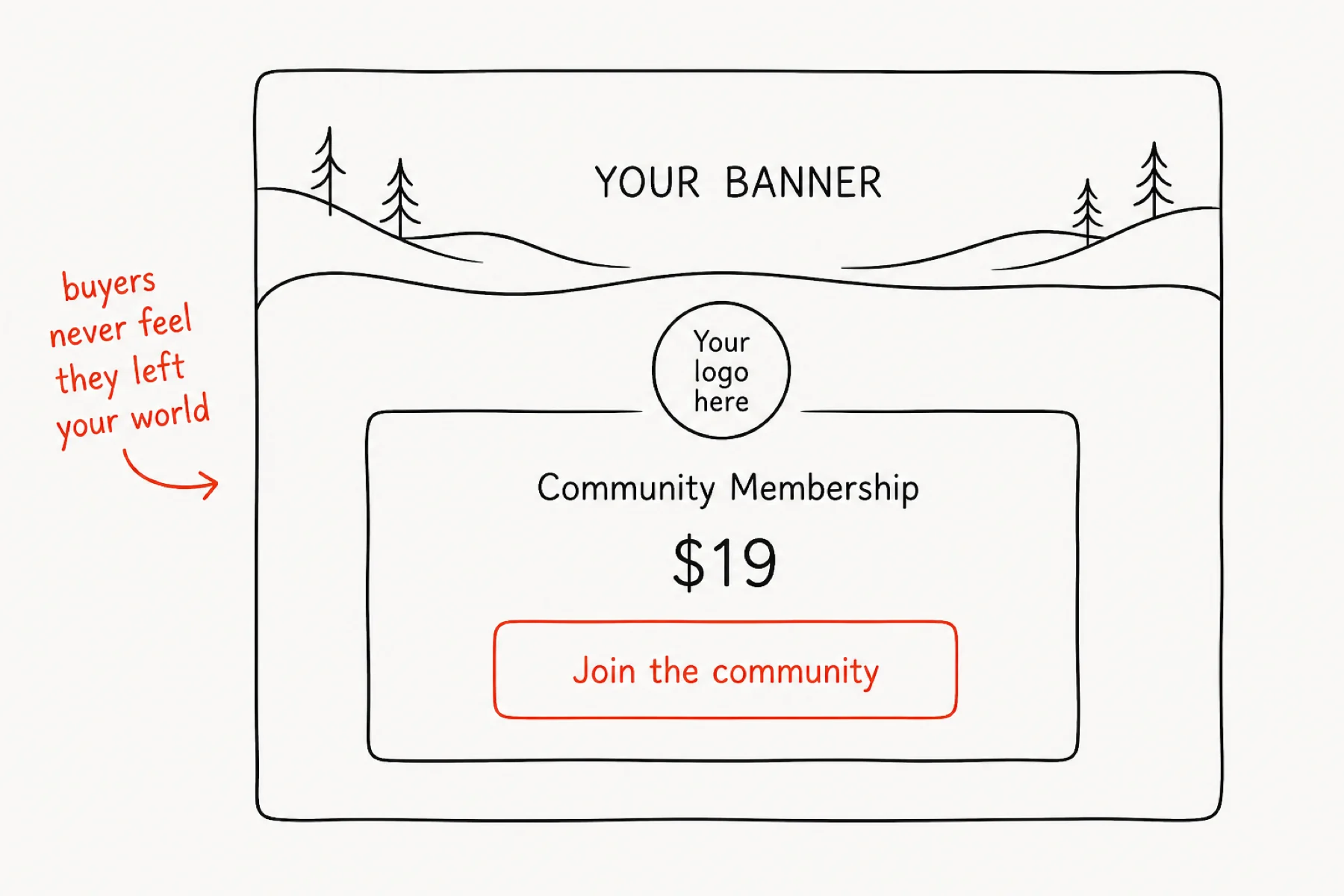
Give the offer your community's logo and banner. The buyer clicks from your world into a checkout that still looks like your world — same mark, same colours, your name on the receipt.
This is the difference between “taken to a payment processor” and “joined at the door”.
Wire the link to your community
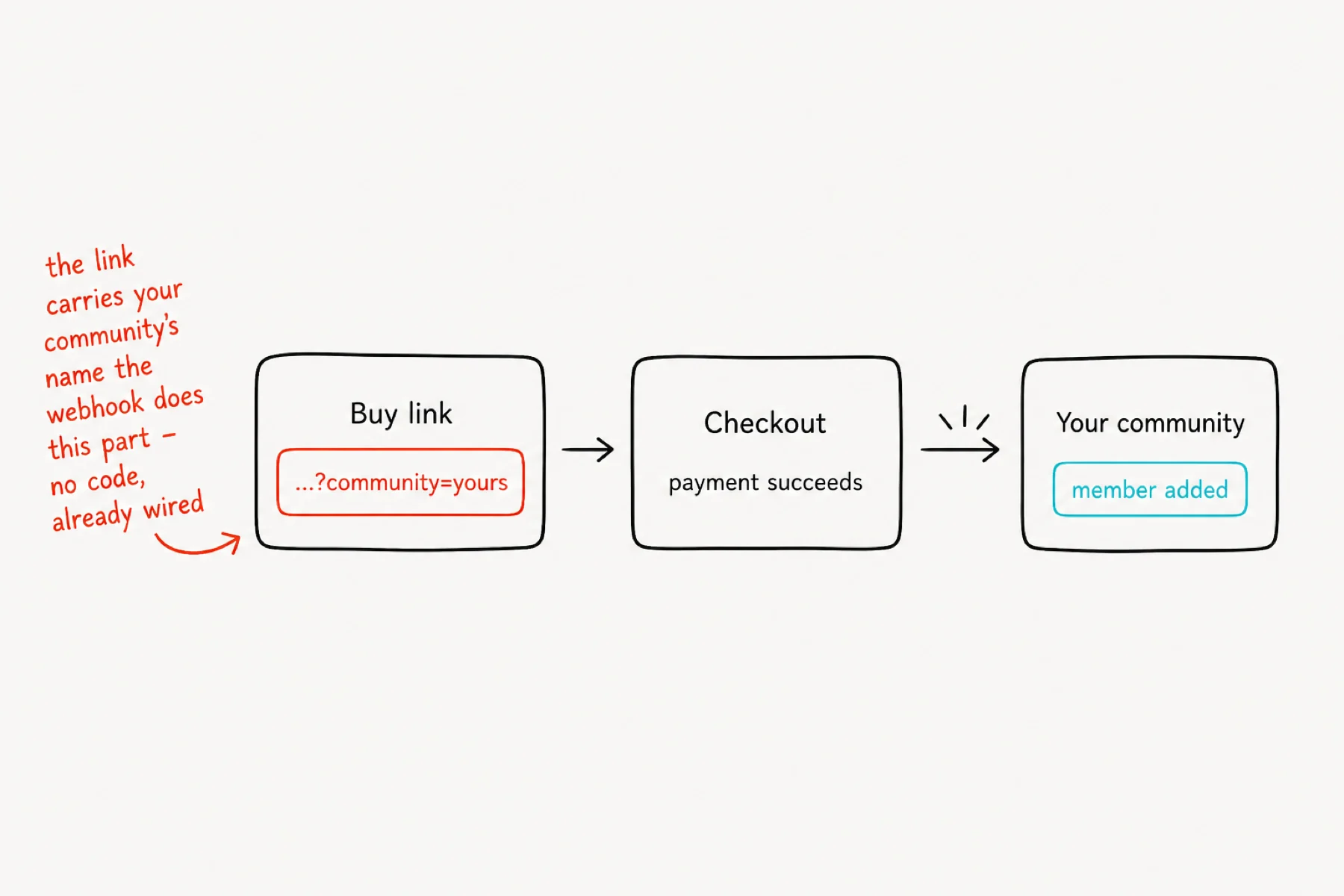
The buy link carries your community's name in its metadata — that is how iGloo knows what the purchase unlocks. When a payment lands, the webhook creates the buyer's account (if new) and grants membership automatically.
No code and nothing to babysit: the wiring is standing infrastructure, the same for every sale.
Share the link — and test the whole road once
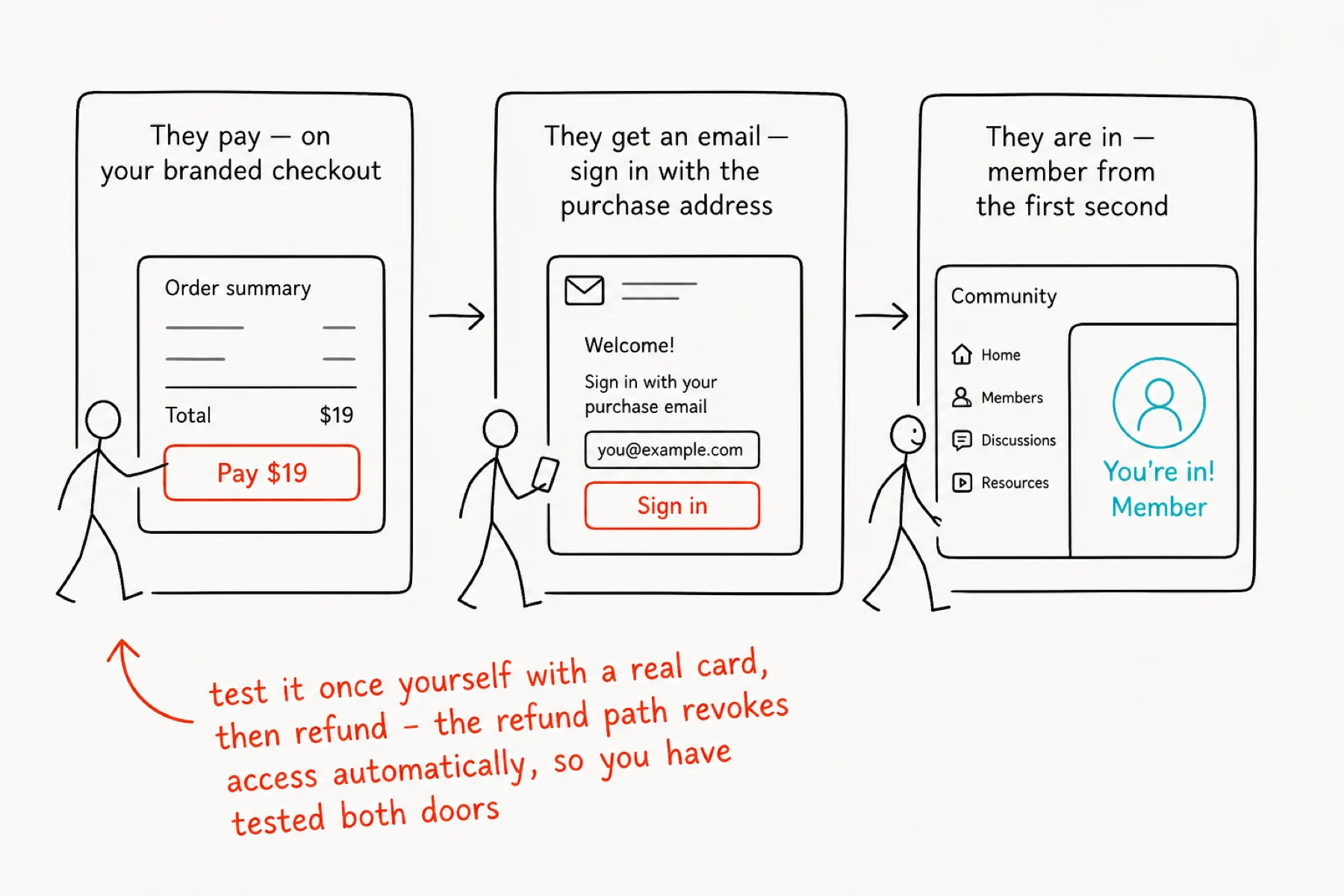
Put the buy link everywhere a join link would go. Buyers pay, get their sign-in email, and land inside as members — the entire journey takes about a minute.
Before you announce anything: buy it yourself with a real card, watch yourself arrive, then refund it. The refund revokes access automatically — so in one $0 round-trip you have tested both directions of the door.
If something is not working
A buyer paid but is not inside: they must sign in with the exact email they paid with — a different address creates a different person. The delivery note exists to say this loudly.
The buy link opens but grants nothing: the link must carry your community metadata — copy it from your offer exactly, do not retype it.
Refund handling: refunds revoke access automatically. Nothing to clean up.